
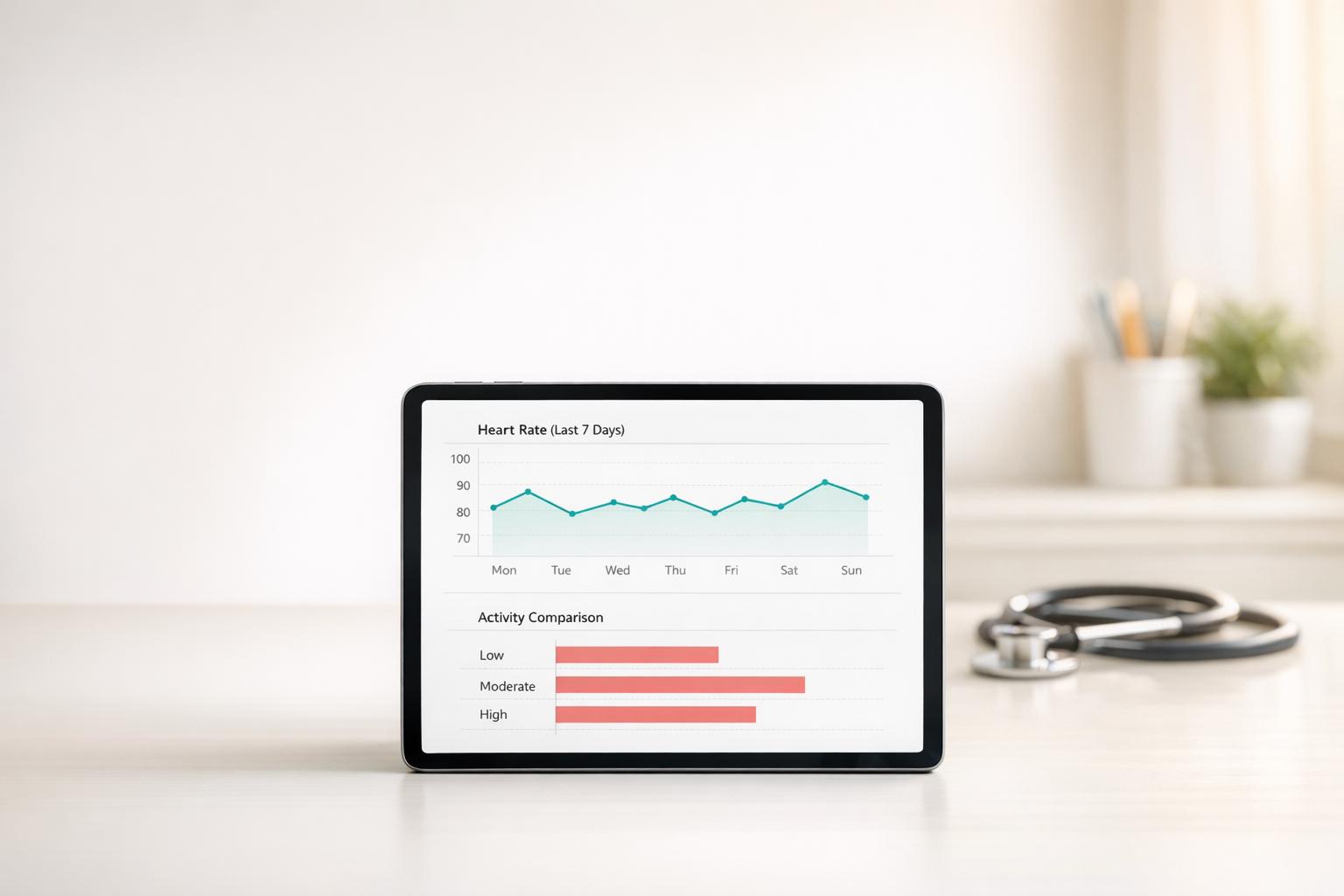
In an era where wearable technology and health data are becoming integral to our daily lives, the ability to interpret and visualize this information effectively is critical. Whether you're tracking stress levels, optimizing sleep, or analyzing fitness trends, presenting data in a clear and actionable way can make all the difference. Dr. Vanessa Rosa’s insights on health data visualization offer not just expertise but a transformative framework for anyone looking to decode complex data into simple, actionable steps.
This guide distills key lessons from her video presentation, offering practical advice for creating effective health data visualizations. By applying these principles, you'll learn how to cut through the noise, highlight meaningful trends, and make informed decisions about your health.
Why Data Visualization Matters for Health Enthusiasts
Data visualization is not just about making charts look pretty - it’s about communicating insights clearly and effectively. For health-conscious individuals who rely on data from devices like Apple Watches or fitness apps, poorly designed charts can obscure critical health patterns, leading to confusion or misplaced priorities.
Dr. Rosa emphasizes that every visualization must be intentional. If a chart’s purpose or message isn’t clear within 10 seconds, it likely suffers from a poor "signal-to-noise ratio." In other words, the irrelevant clutter (noise) drowns out the important takeaway (signal). This principle is especially vital when using data to manage health metrics, such as heart rate trends or sleep cycles.
sbb-itb-f5765c6
Core Principles of Effective Data Visualization
1. Define Your Signal
The first step in creating any visualization is identifying the core message - or the "signal." Dr. Rosa suggests this litmus test:
"If you can’t summarize the chart’s purpose in five words or less, you haven’t clarified your signal."
For example, if you’re comparing workout recovery times across different routines, your signal might be: "Routine A reduces recovery time." This clarity ensures the visualization stays focused on delivering actionable insights.
2. Minimize Noise
Noise refers to any element that distracts from the message. Common culprits include:
- Confusing axes or labels: Always add descriptive titles and units of measurement to ensure clarity. For instance, label axes as "Steps per Day" or "Minutes of Deep Sleep" rather than generic terms like "X" and "Y."
- Unnecessary visual elements: Avoid arbitrary use of colors or excessive gridlines that add visual clutter. Use color only when it enhances the story, such as emphasizing a significant trend or comparison.
3. Leverage Color Thoughtfully
Color is a powerful tool - but it must be used with caution. Dr. Rosa highlights that humans often associate specific colors with meaning, such as:
- Blues and greens: Positive or safe
- Yellows, oranges, and reds: Dangerous or concerning
When visualizing health data, such as stress levels, it’s helpful to align with these intuitive associations. However, be mindful that overuse of vibrant colors can overwhelm or mislead the viewer.
4. Choose the Right Chart Type
Selecting the appropriate chart type depends on the nature of the data:
- Pie charts: Best for showing parts of a whole (e.g., percentage breakdown of macronutrient intake).
- Bar charts: Ideal for comparing categories (e.g., average heart rate across different times of the day).
- Box plots or violin plots: Useful for visualizing data distributions, such as variability in sleep patterns or workout performance.
Dr. Rosa warns against oversimplifying data into averages alone. For example, if you’re tracking sleep efficiency, looking at outliers (the nights where efficiency was unusually low) can provide valuable context beyond the average.
The Hidden Pitfalls of Averages
While averages are commonly used to summarize data, they can obscure critical details. Dr. Rosa explains that averages often mask outliers or variability within datasets. For instance:
- An averaged heart rate might hide spikes that indicate stress or overexertion.
- A sleep score average may not reflect nights of poor rest, which could be early warning signs of a health issue.
In these cases, a box plot or violin plot can reveal the distribution of data, highlighting trends and outliers that would otherwise remain hidden.
Improving Your Visualizations: Practical Steps
Step 1: Clarify Titles and Labels
Every chart should have a descriptive title that answers the question "Why does this matter?" For example:
- Instead of: "Step Count Data"
- Use: "Daily Step Count Trends Over 1 Month"
Similarly, label axes and include units where applicable. For instance:
- Y-axis: "Heart Rate (beats per minute)"
- X-axis: "Time of Day"
Step 2: Eliminate Unnecessary Elements
Remove elements that add noise without contributing to the chart’s message. For example:
- Avoid overlapping chart elements that obscure data points.
- Use consistent color schemes to avoid misleading groupings.
Step 3: Incorporate Context
Context transforms raw data into actionable insights. For example:
- Annotate key events on a chart (e.g., "Started new workout routine here").
- Compare data to benchmarks (e.g., "Resting heart rate below 60 BPM is considered optimal for adults").
Step 4: Test the Signal
Before finalizing a visualization, test its clarity:
- Share it with someone unfamiliar with the data and see if they can interpret the key takeaway within 10 seconds.
- Ask yourself: "What’s the first thing I want someone to notice?"
Real-Life Applications for Health Data Visualization
Using Dr. Rosa’s principles, here’s how health-conscious individuals can apply these insights to their data:
- Sleep Tracking: Create a box plot to compare nightly sleep efficiency over time. Highlight nights with low efficiency for further analysis.
- Fitness Progress: Use bar charts to compare weekly workout performance across different activities, like running or weightlifting.
- Stress Management: Develop a line chart showing daily stress scores, annotated with key life events to identify triggers.
By investing time in thoughtful visualization, you can better understand your health data and make informed decisions to optimize your well-being.
Key Takeaways
- Define your data’s "signal": Summarize your chart’s purpose in five words or less.
- Eliminate noise: Remove unnecessary elements like arbitrary colors and redundant labels.
- Use color strategically: Align colors with intuitive meanings (e.g., green for positive, red for concerning).
- Select appropriate chart types: Match your data’s nature to the right chart (e.g., pie charts for proportions, box plots for distributions).
- Go beyond averages: Use charts like violin plots to reveal hidden variability or outliers.
- Add context: Annotate charts to highlight trends, outliers, or benchmarks.
- Test clarity: Ensure your visualization communicates its message within 10 seconds.
Conclusion
Health data visualization extends beyond aesthetics - it’s about empowering individuals to understand their data and make informed decisions. By following Dr. Rosa’s principles, you can create visuals that are not only clear and accurate but also actionable. Whether you're tracking fitness progress, managing stress, or optimizing sleep, effective data visualization can unlock deeper insights and help you take control of your health journey.
By transforming raw numbers into meaningful stories, you’re not just visualizing data - you’re empowering yourself to live a healthier, more balanced life.
Source: "From Pitfalls to Principles: Data Visualization Fundamentals for Researchers" - Science with Impact, YouTube, Aug 13, 2025 - https://www.youtube.com/watch?v=5AveuF9Qau0